From the workbench
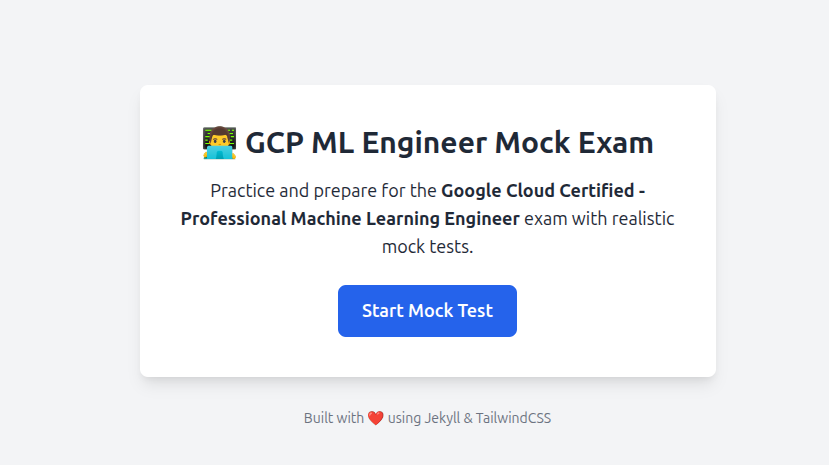
GCP ML Engineer Mock Exam
Mock exam for GCP ML Engineer
Project overview
I built this practice application while preparing for the Google Cloud Professional Machine Learning Engineer exam. The aim was to make a question bank easier to use: choose a topic, work through a timed session and review the answers afterwards.
It is a static web application built with Jekyll, JavaScript, YAML and TailwindCSS, hosted on GitHub Pages. Questions live in editable data files, so the approach can be adapted to other subjects without building a separate backend.
A practice session, from start to review
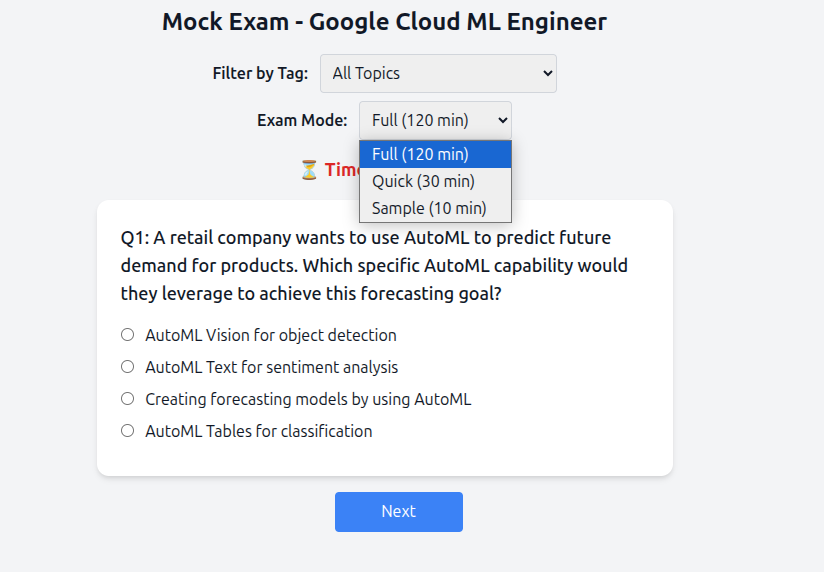
- Filter questions by topic tags and sample across sections.
- Choose a timed mode; the historical interface includes Full, Quick and Sample sessions.
- Use the countdown to pace the session, with automatic submission when time runs out.
- Review correct and incorrect choices in an answer summary, or focus on the questions you missed.
- Save a print-friendly summary as a PDF for later review.
Questions are data
The original build stores section question banks under _data/sections/. Each YAML entry contains a question, an options list, the expected answer and topic tags. This keeps content editing separate from the browser interactions and presentation.
Jekyll generates the static pages; JavaScript handles the session in the browser. The documented design combines section-weighted sampling with tag filtering, rather than making every practice session a fixed sequence of the same questions.
From question bank to useful feedback
Publishing
YAML sections
Questions, options, expected answers and tags.
Jekyll build
Generate the static application pages.
GitHub Pages
Host the application for browser access.
Practising
Choose a session
Select a topic filter and exam mode.
Answer questions
Work through the selection with a countdown.
Review and save
Inspect answers and export a printable summary.
From the original project
Historical screenshots from the project articles. Open an image to view it at full size.
Project notes
An independent learning project, not affiliated with or endorsed by Google. The original article describes its question-writing approach; this page does not claim alignment with the current certification syllabus or predict an exam result.